[[{“value”:”
Hey AI Break fam 👋 Luis & Rui here!
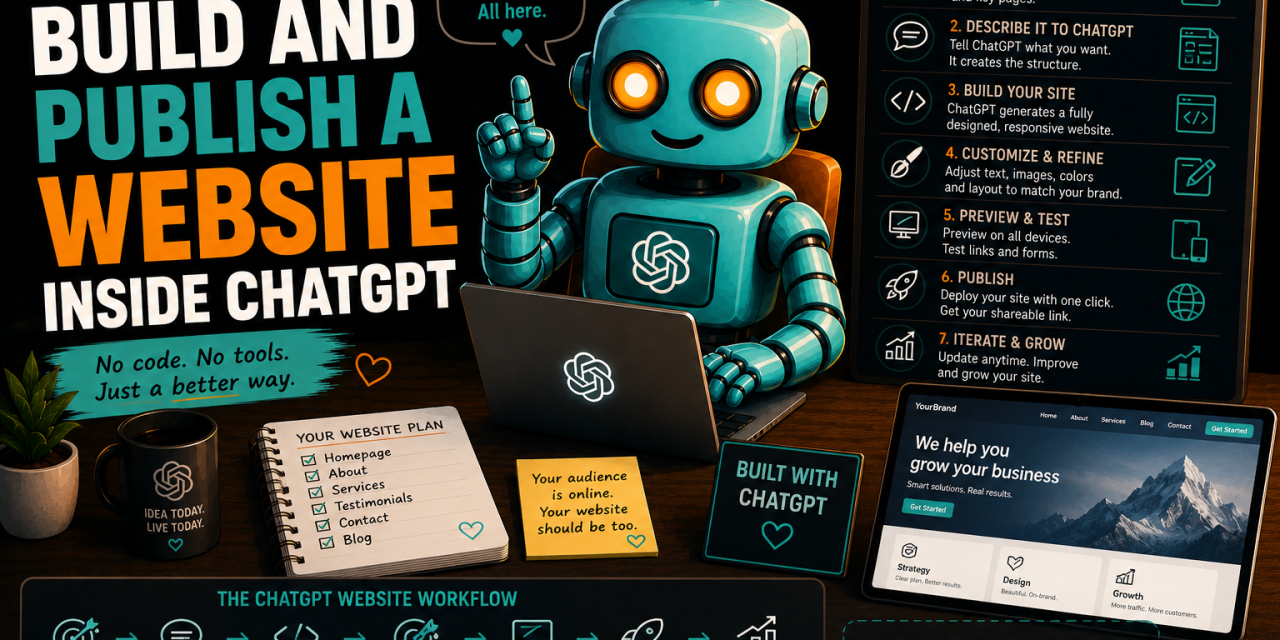
Want to build a complete website without writing code or using any tool outside ChatGPT?
In this tutorial, we’ll build one together from scratch using only ChatGPT.
You’ll learn how to plan the website, generate the first version, improve the design and copy, add useful features, test everything and publish it with a live link.
Let’s build it.
PS: Here is the site we created using the tutorial below
How to start
ChatGPT Sites is designed for creating interactive websites and lightweight apps such as landing pages, portfolios, calculators, dashboards, project trackers and internal portals.
To find it:
-
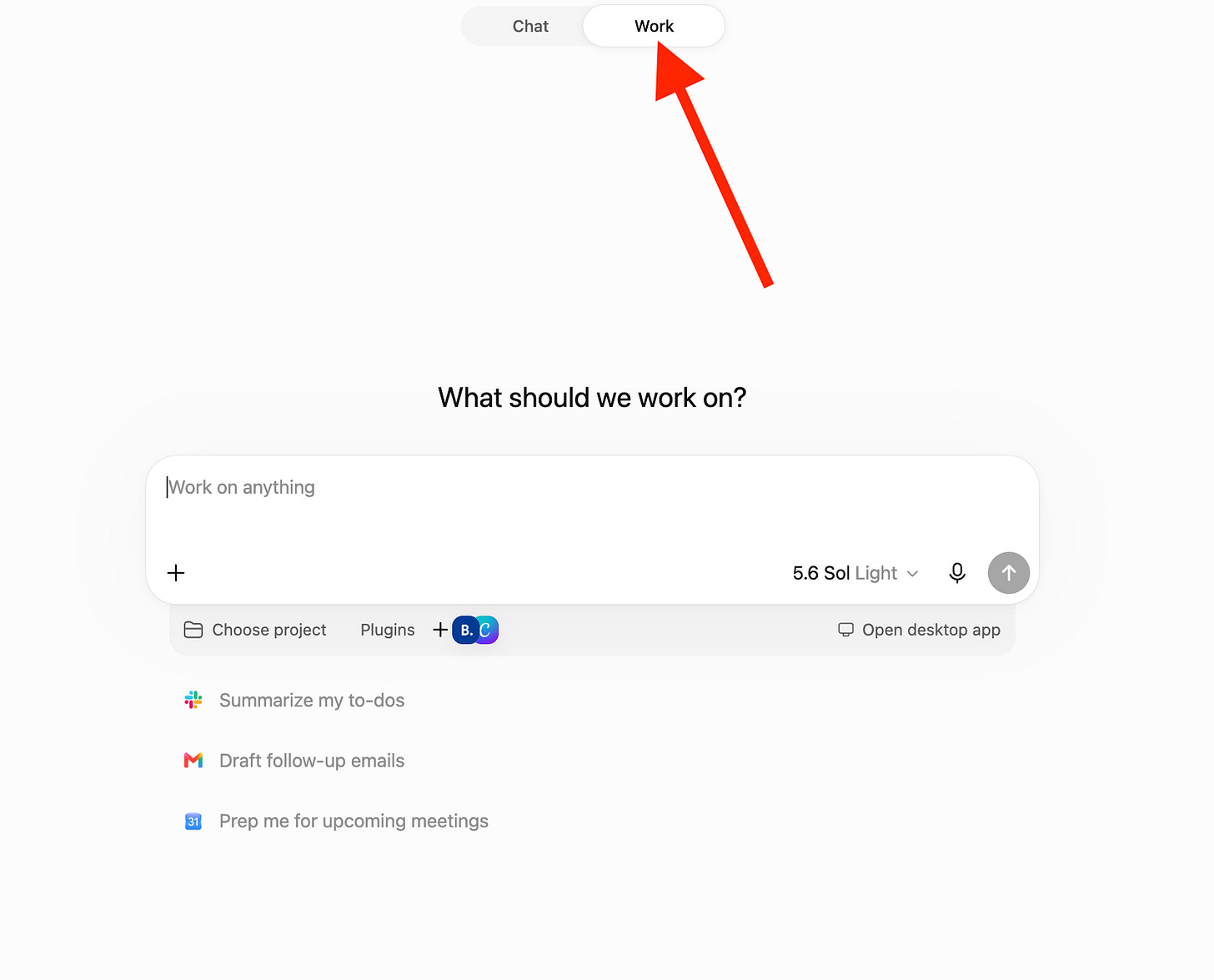
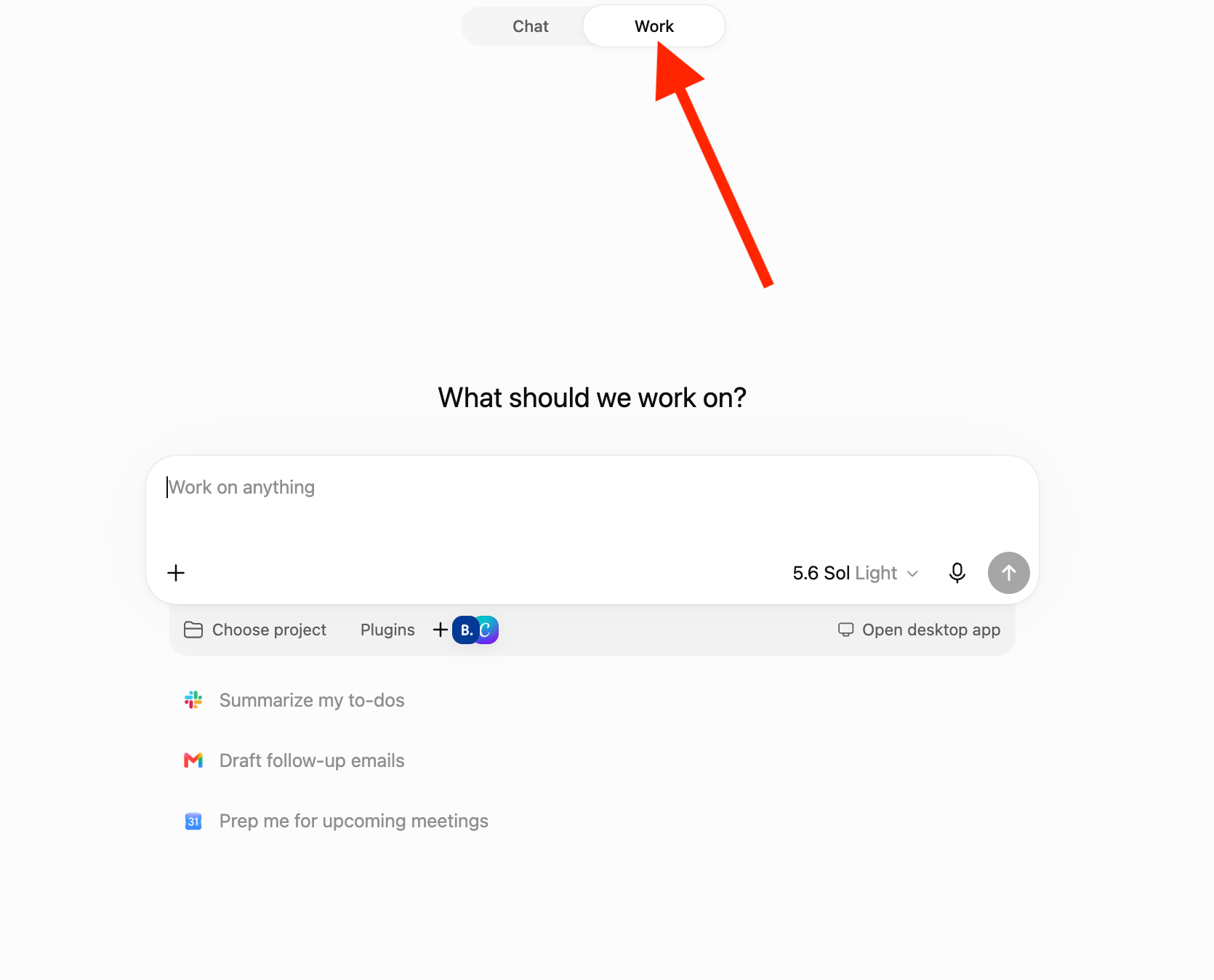
Open ChatGPT on the web and select Work.
-
On the desktop app, select Work or Codex.
-
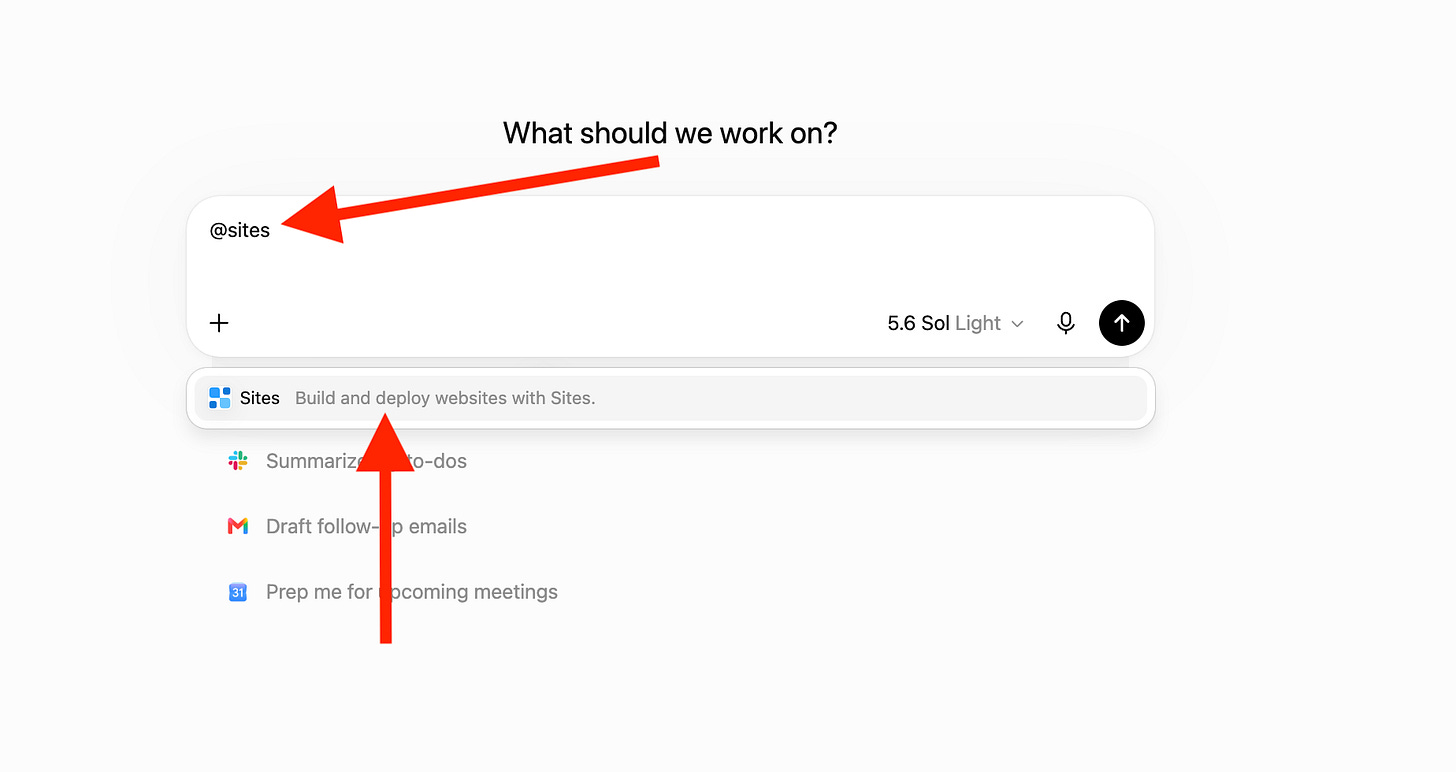
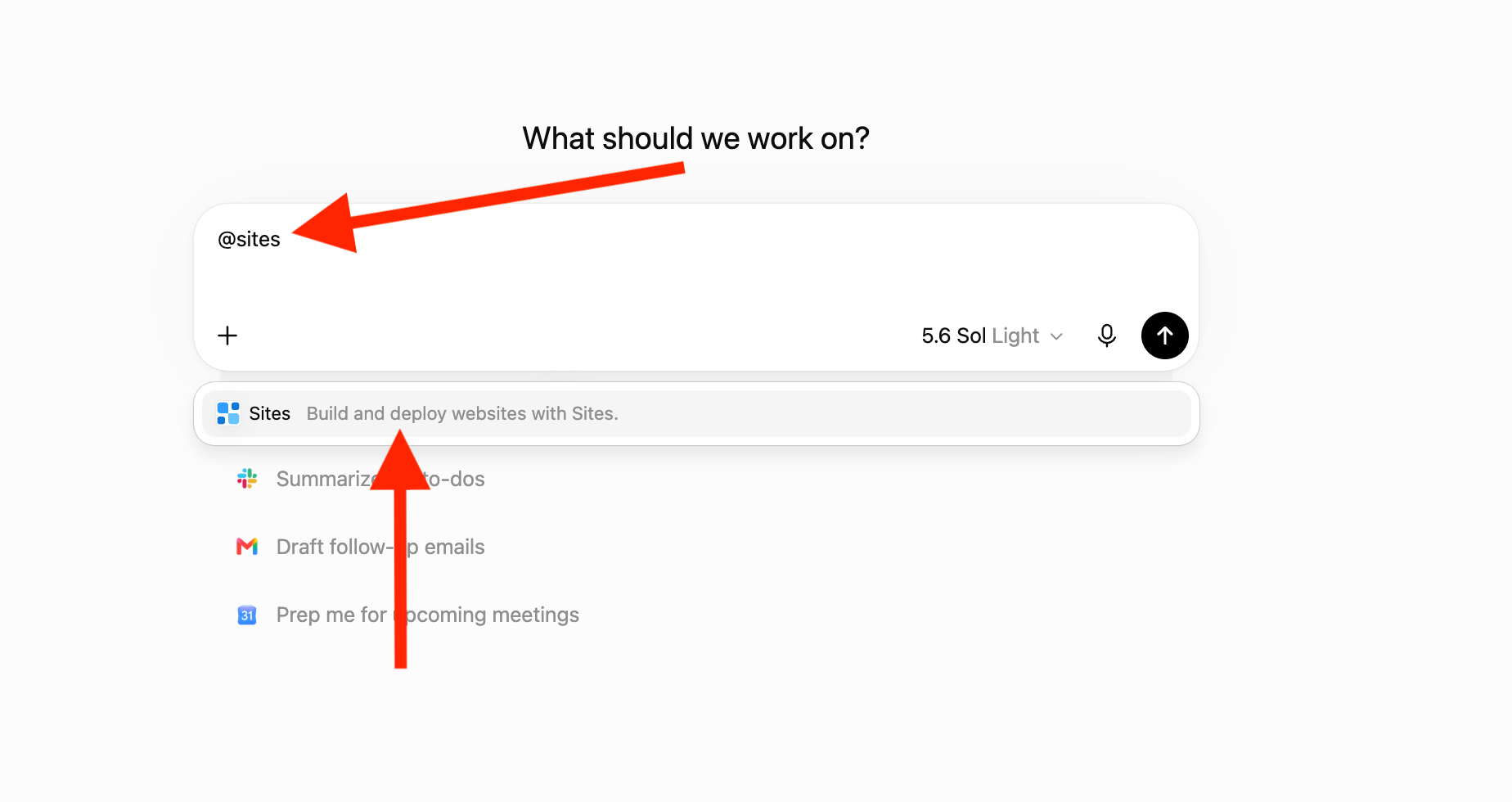
Write @sites and click on the sites plugin
-
Start describing your website idea (see prompts below)
Step 1: Decide What Your Website Needs to Do
The biggest mistake people make is immediately asking AI to “build a website.”
That gives ChatGPT almost no direction.
Before touching the design, you need to define the website’s audience, purpose and primary action.
-
A portfolio website should encourage someone to view your work.
-
A service website should encourage someone to book a call.
-
A product landing page should encourage someone to start a trial or make a purchase.
Start by asking ChatGPT to turn your rough idea into a focused website brief.
Copy this prompt:
#ROLE

You are a website strategist and UX consultant.

#TASK

Turn my website idea into a clear and focused website brief.

#CONTEXT

My website idea:

[Describe the website, business, project or product]

The people I want to reach:

[Describe the intended audience]

The main action I want visitors to take:

[Book a call, join a waitlist, buy a product, contact me, download something, etc.]

#INSTRUCTIONS

Create a website brief that includes:

1. The primary goal of the website
2. The intended audience
3. The main problem the visitor wants solved
4. The primary call to action
5. The recommended page structure
6. The purpose of each section
7. The content and assets I need to provide
8. One useful interactive feature that could improve the website
9. A recommended visual direction
10. Anything missing that ChatGPT should ask me before building

Keep the website focused on one primary visitor journey.

Do not build the website yet.
ChatGPT should now give you the blueprint for the website.
-
Review it carefully.
-
Remove sections you do not need and add anything important that ChatGPT missed.
A smaller website with one clear purpose will usually perform better than a complicated website trying to do ten things at once.
Step 2: Build the First Version With ChatGPT Sites
Now that you have the brief, it’s time to create the website.
Open Work in ChatGPT and add @Sites to your prompt.
You can also upload supporting files such as:
-
📁 Your logo
-
📸 Product images
-
🎨 Brand guidelines
-
✍️ Existing website copy
-
📄 A business or product description
-
🔗 Links to pages you like
The more relevant context you provide, the less likely ChatGPT is to produce a generic website.
Copy this prompt:
“}]] Read More in The AI Break