
[[{“value”:”
👋 Hey AI Break family!
Ever wish you could turn your favorite YouTube videos into perfect social media posts with just a few clicks?
Today, we’re sharing our secret sauce for doing exactly that! 🎥
We’ve discovered an awesome workflow that combines a free browser extension with AI to transform YouTube content into an engaging LinkedIn post.
Let’s dive in! 🚀

Transform YouTube Videos into Social Media Posts Using AI
If you’re looking to repurpose video content efficiently, we’ve got a straightforward method for you.
Here’s how you can do it:
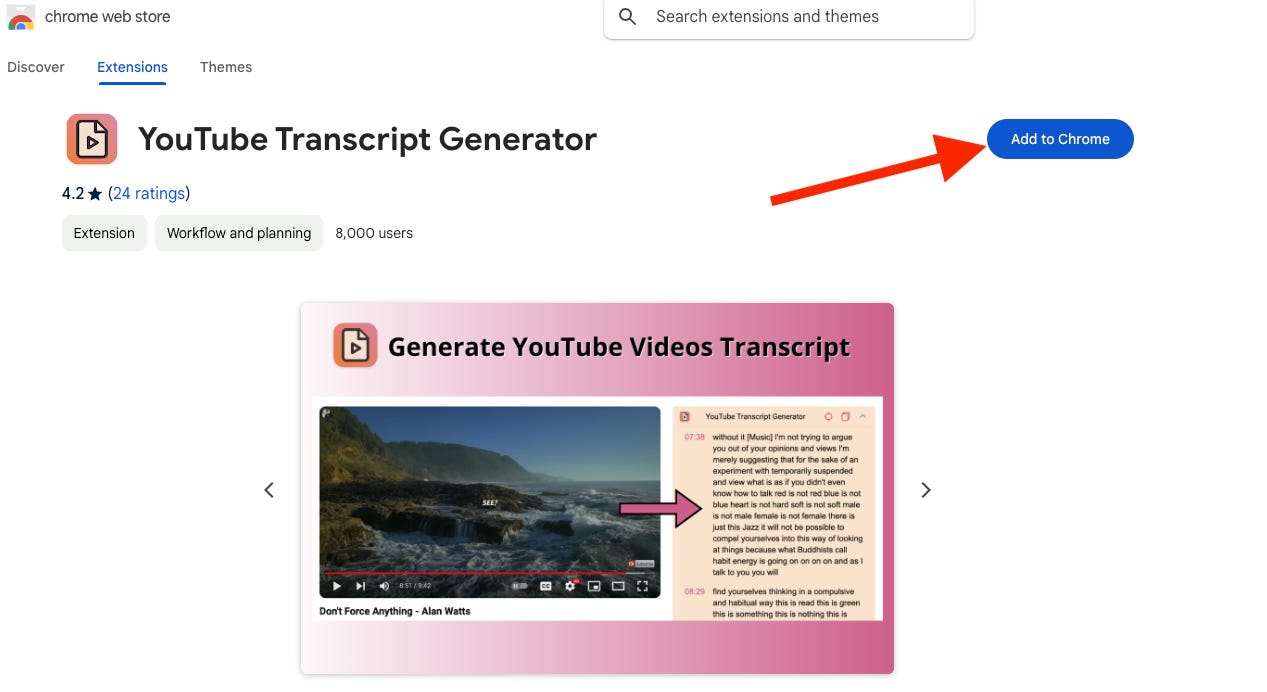
🛠️ Step 1: Install the YouTube Transcript Generator
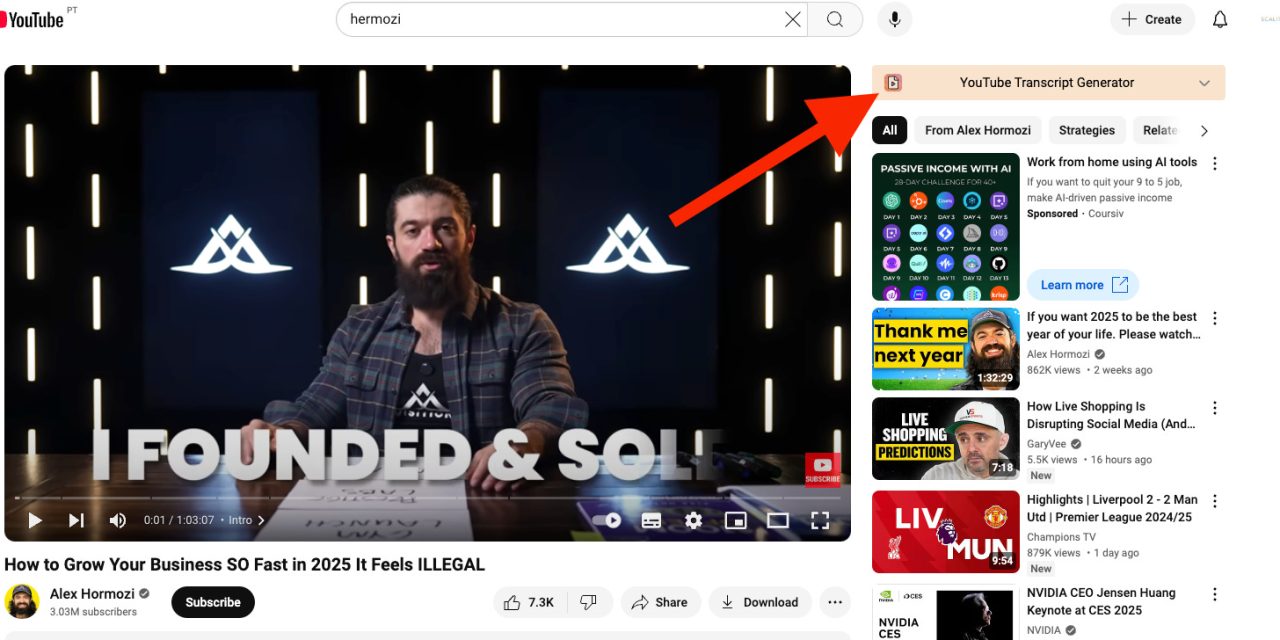
Begin by installing the YouTube Transcript Generator Chrome extension. This tool allows you to:
-
Extract transcripts effortlessly: Convert YouTube videos into text with a single click.
-
Access transcripts directly: View and copy transcripts without leaving the video page.
📝 Step 2: Extract the YouTube Video Transcript
Once the extension is installed:
-
Navigate to the desired YouTube video.
-
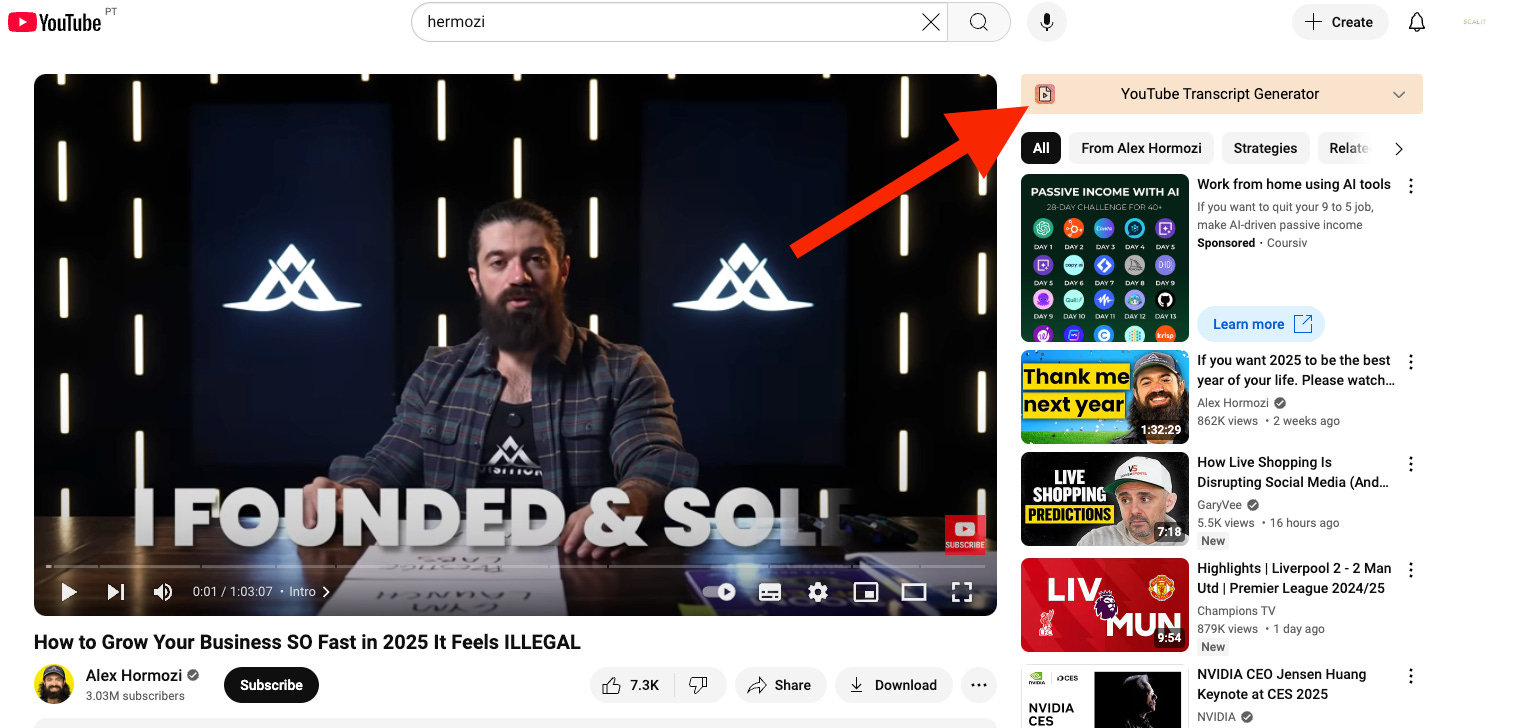
Click on the “Transcript” button provided by the extension below the video.
-
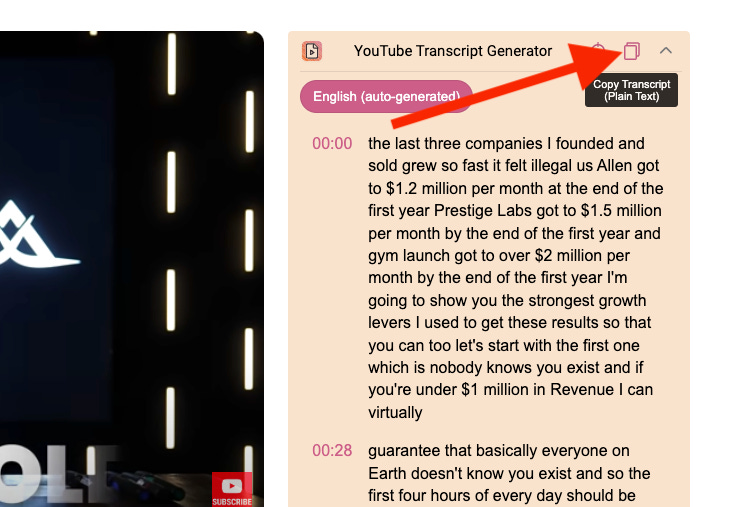
Copy the entire transcript for use in the next step.
✍️ Step 3: Generate Linkedin Posts with ChatGPT or Claude
With the transcript in hand, you can now leverage AI to create engaging social media content.
-
Access ChatGPT or Claude.
-
Input the following prompt, replacing [Transcript] with the copied text:
“}]] Read More in The AI Break


