[[{“value”:”
Hey AI Breakers 👋
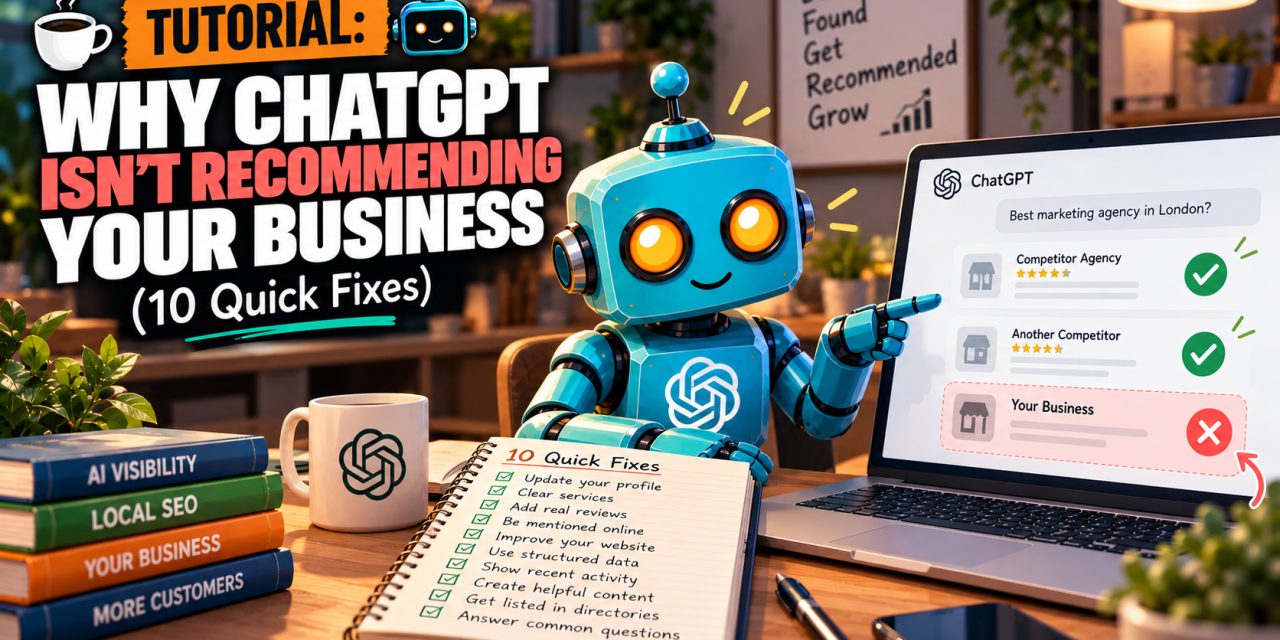
Ask ChatGPT to recommend a business like yours. Does your name come up?
For most businesses, no. A 2026 study of 350,000 business locations found ChatGPT recommended only about 1 in 100.
It’s rarely about how good you are. It’s about whether AI can find you, read you, and trust you. Below are 10 fixes, in order. Most are one-time jobs under 20 minutes.
Let’s fix it 👇

First: Where Each AI Gets Its Information
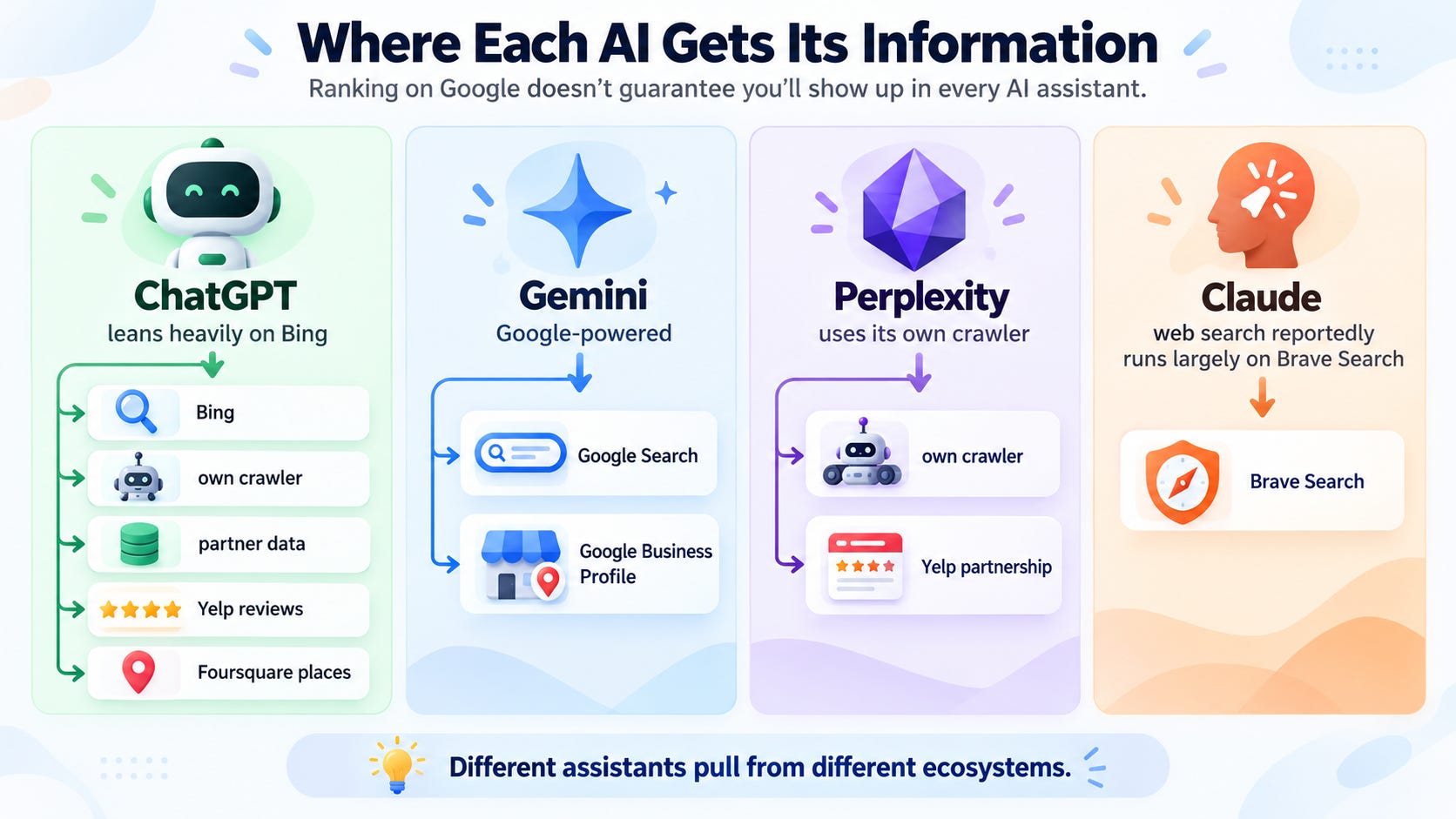
Every AI assistant pulls from different places. That’s why ranking on Google doesn’t guarantee you show up in ChatGPT.
-
🟢 ChatGPT → leans heavily on Bing, plus its own crawler and partner data (Yelp reviews, Foursquare places)
-
🔵 Gemini → Google: Google Search plus your Google Business Profile
-
🟣 Perplexity → its own crawler, plus a Yelp partnership
-
🟠 Claude → its web search reportedly runs largely on Brave Search
So the game is simple: be present and consistent everywhere these tools look.
The 10 fixes come in 3 rounds:
-
🔧 Fixes 1-4: Technical. Make sure AI can actually see your site.
-
⭐ Fixes 5-7: Trust. Profiles, consistency, reviews.
-
✍️ Fixes 8-10: Content. Give AI something worth quoting.
🔎 Fix #1 → Tell Bing You Exist
ChatGPT’s search leans heavily on Bing. If Bing doesn’t know your site, ChatGPT probably doesn’t either.
-
Go to Bing Webmaster Tools and sign in.
-
Already on Google Search Console? Pick Import from Google Search Console. It verifies your site in one click.
-
Submit your sitemap (usually
yoursite.com/sitemap.xml). -
Turn on IndexNow if your website platform or SEO plugin supports it. It pings Bing every time you publish or update a page.
💡 Tip: Have a physical location or a service area? Also claim your listing on Bing Places. You can import it straight from your Google Business Profile.
🚪 Fix #2 → Unblock the AI Crawlers
Many sites are blocking AI bots without the owner knowing. Two places to check.
1. Cloudflare. Since mid-2025, new Cloudflare domains block many AI crawlers by default. If your site is on Cloudflare:
-
Log in, open your domain, and find the AI crawler settings (Cloudflare calls this AI Crawl Control).
-
Make sure the AI search crawlers are allowed:
OAI-SearchBot(ChatGPT),PerplexityBot,Claude-SearchBot. -
Training crawlers (like
GPTBot) are your call. Blocking them doesn’t stop you appearing in AI search answers.
2. Your robots.txt. Open yoursite.com/robots.txt in your browser.
-
Look for
Disallow: /under any of the bots above, or underUser-agent: *. -
If you see one, ask whoever manages your site to remove it for the search bots.
💡 Tip: Not sure if you use Cloudflare? Paste your domain into any free “DNS lookup” tool. If the nameservers end in cloudflare.com, you do.
👀 Fix #3 → Run the 30-Second “View Source” Test
Most AI crawlers don’t run JavaScript. If your site only builds its text in the browser, they see a blank page.
-
Open your homepage and copy a sentence from the middle of the page.
-
Right-click → View Page Source.
-
Press Cmd+F (or Ctrl+F) and search for that sentence.
-
✅ Found it? You’re good. AI crawlers can read your page.
-
❌ Not there? Your site is client-side rendered. To most AI bots, your content doesn’t exist.
Who’s at risk: sites built with AI app builders (like Lovable or Bolt) or custom React apps. WordPress, Webflow, Squarespace, Shopify and Wix sites usually pass.
💡 Tip: Failed the test? Ask your developer (or the AI builder you used) to add server-side rendering or pre-rendering. Run the test on your top service or product page too, not just the homepage.
🏷️ Fix #4 → Add Business Schema (Let ChatGPT Write It)
Schema is a small block of code that spells out the facts: who you are, what you do, where, and how to reach you. AI tools read it, and you don’t have to code it yourself.
✅ Use this to generate copy-paste schema for your homepage in 2 minutes.
Prompt:
“}]] Read More in The AI Break