Hi everyone 👋 Luis & Rui here with another AI Tutorial,
Want to turn your story idea into a full-blown animated short with consistent Pixar-style characters?
In today’s guide, you’ll learn how to use ChatGPT and AI image generators to:
✅ Create unique characters
✅ Maintain consistency across scenes
✅ Add new characters and change poses
✅ Build the foundation for an animated film
Let’s dive in 👇
🧠 Step 1: Generate a Story + Characters with ChatGPT
Start by asking ChatGPT to create a short story.
Try this:
“Write a short story about a 7-year-old boy and girl on an adventure.”
ChatGPT will create something like:
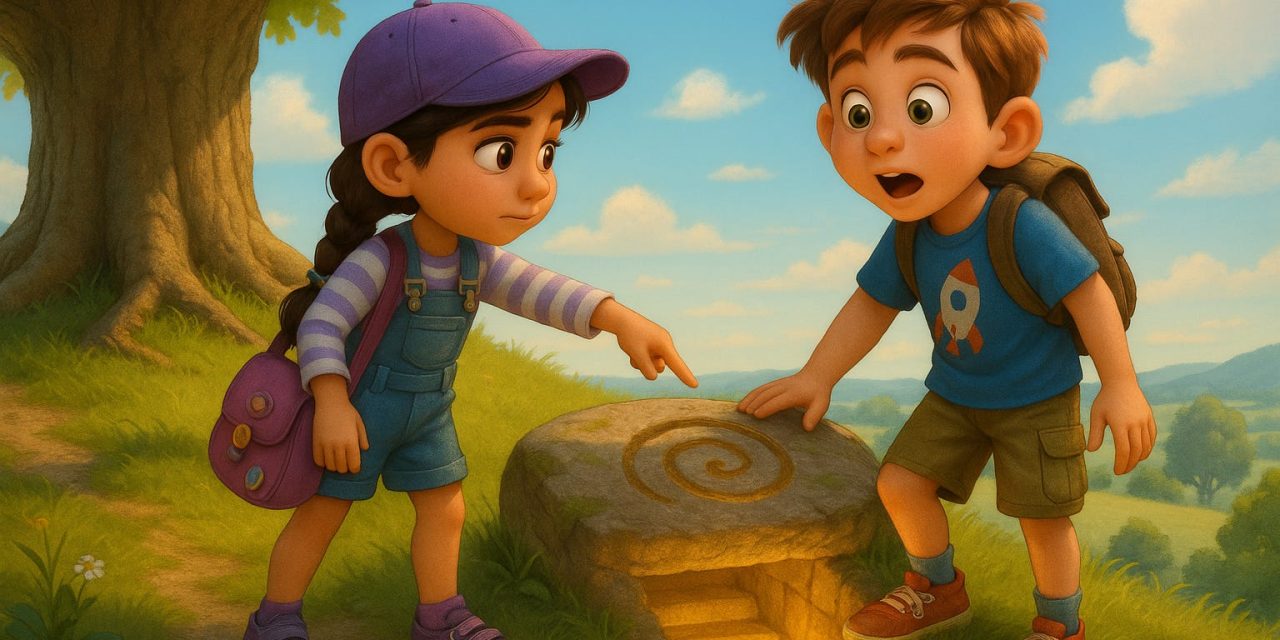
Mia and Sam exploring a magical forest.
Then, get it to describe the characters in detail:
“Create detailed characteristics for Mia and Sam so I can generate images later.”
Make sure it includes:
-
Age, height, and body type
-
Hairstyle and color
-
Eye color
-
Clothing and accessories
-
Personality traits

Pssst…If you like these type of tutorials and want to get access to all of them every week, consider upgrading your subscription below 👇
🗂 Step 2: Store Character Info in Memory
Tell ChatGPT to remember their features during this session:
“Save the characteristics of Mia and Sam in memory to keep image consistency throughout this story.”
Now GPT will keep them visually consistent across all your prompts.

🧑🎨 Step 3: Generate Pixar-Style Character Images
Use this prompt for each character:
“Generate a full-body Pixar-style image of Mia using her characteristics.”
Do the same for Sam.
💡 Pro tip: Save these base character images — you’ll use them in every scene.


🖼 Step 4: Build Scene-by-Scene Images
Now create 5 scenes for your story:
“Describe five scenes for this short story featuring Mia and Sam.”
Then ask ChatGPT to generate prompts for each scene in Pixar style, 16:9 format:
“Create prompts for Pixar-style horizontal images of Mia and Sam in each scene, using consistent character design.”


Note: Upload the saved images of Mia and Sam when generating each scene to keep them consistent.
🖼 Sample scenes might include:
-
Scene 1: Mia and Sam find a magical map
-
Scene 2: Walking through a glowing forest with butterflies
-
Scene 3: Crossing a river with a rickety bridge
-
Scene 4: Solving a puzzle inside a cave
-
Scene 5: Discovering a hidden treasure
You’ll get beautiful, consistent illustrations in minutes.


🐉 Step 5: Add New Characters (Like a Pet Dragon)
Want to introduce a third character?
-
Ask ChatGPT:
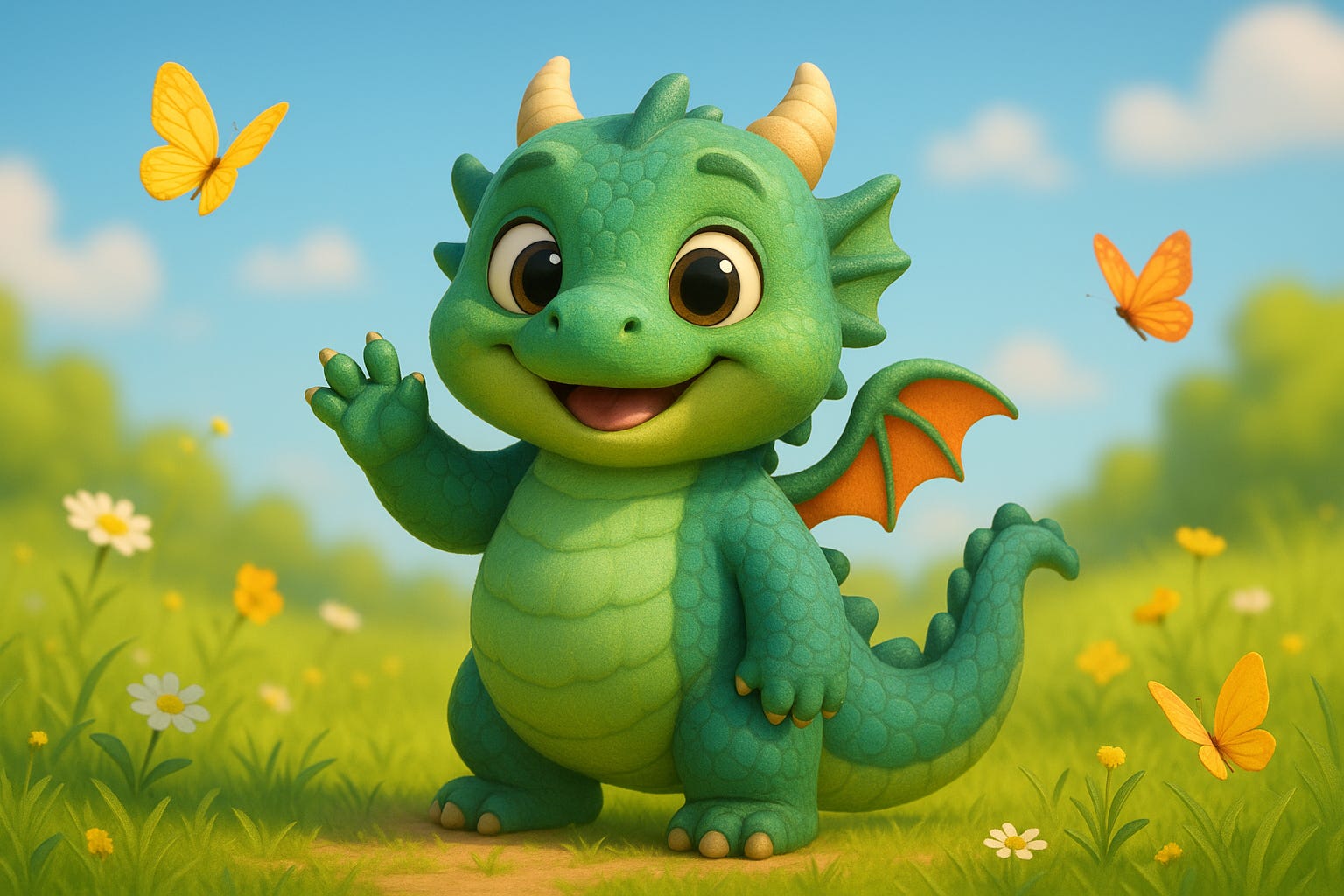
“Create a Pixar-style dragon, cute and happy.”

-
Generate and save its image
-
Re-upload the images of all three characters
-
Prompt a new scene:
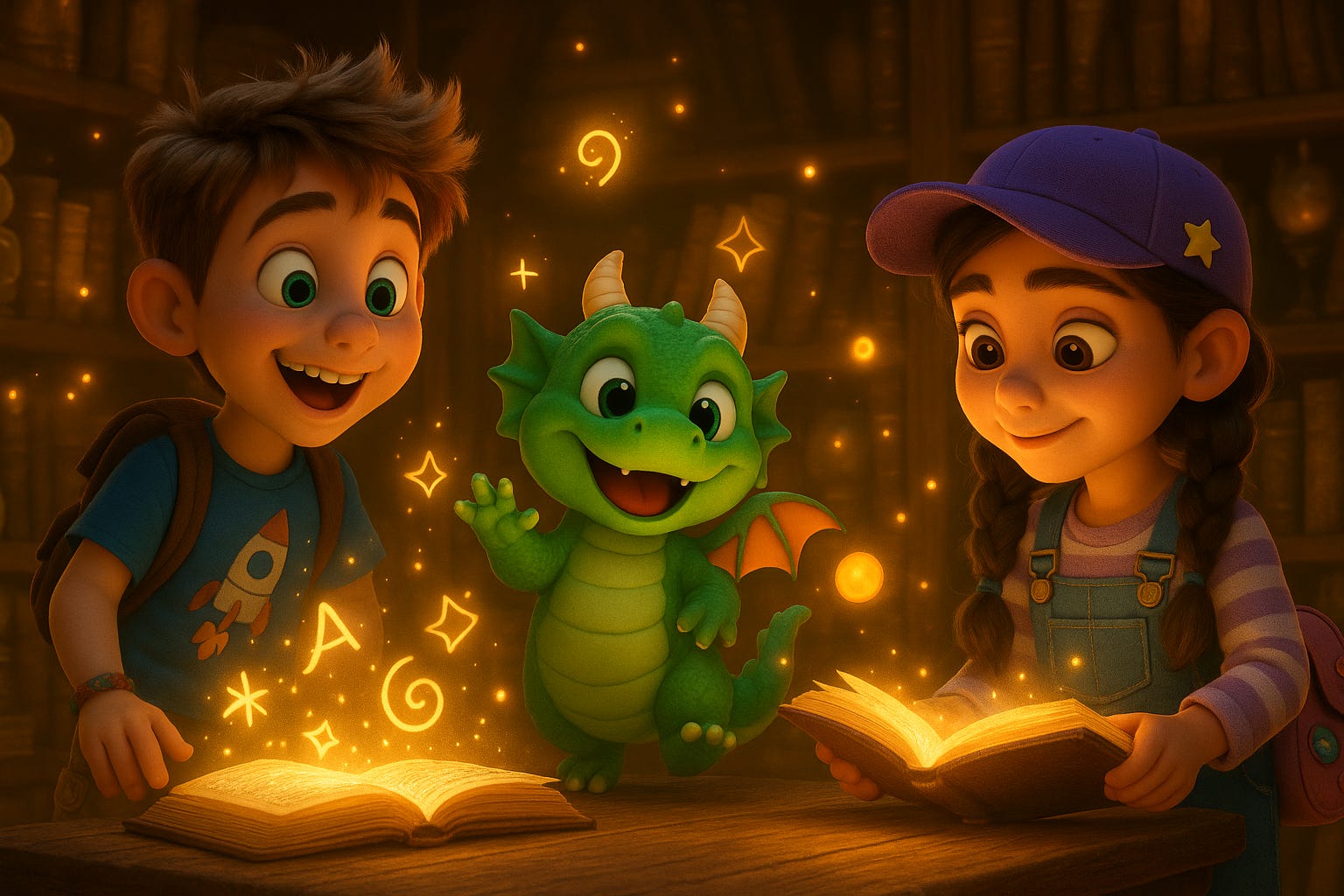
“Create a 16×9 horizontal image of Mia, Sam, and the dragon in an enchanted library full of mysteries.”
✨ Boom — new character, same consistent world.
🔄 Step 6: Pose Characters from Different Angles
Need different camera angles for your story?
“Generate Mia in profile view, Pixar-style, same characteristics.”
“Now generate Mia from behind.”

You can even mix and match settings:
“Mia and Sam riding bikes on a busy city street.”
“Mia and Sam at an amusement park.”
The magic? Their clothes, faces, and accessories remain the same — across every scene.
💬 Bonus: Bring Them to Life!
Want to animate these characters and add voice sync?
Use a tool like Kling AI to animate the images and Elevenlabs to make the voices.
Pssst…If you like these type of tutorials and want to get access to all of them every week, consider upgrading your subscription below 👇
And that’s it!
With just ChatGPT and the image generator, you can create your own animated storybook or cartoon — no drawing or animation skills needed.
Stay creative 🚀
Luis & Rui
P.S. Found this guide helpful? Share it with others.
Read More in The AI Break