[[{“value”:”
Hi everyone 👋 Luis & Rui here with another tutorial.
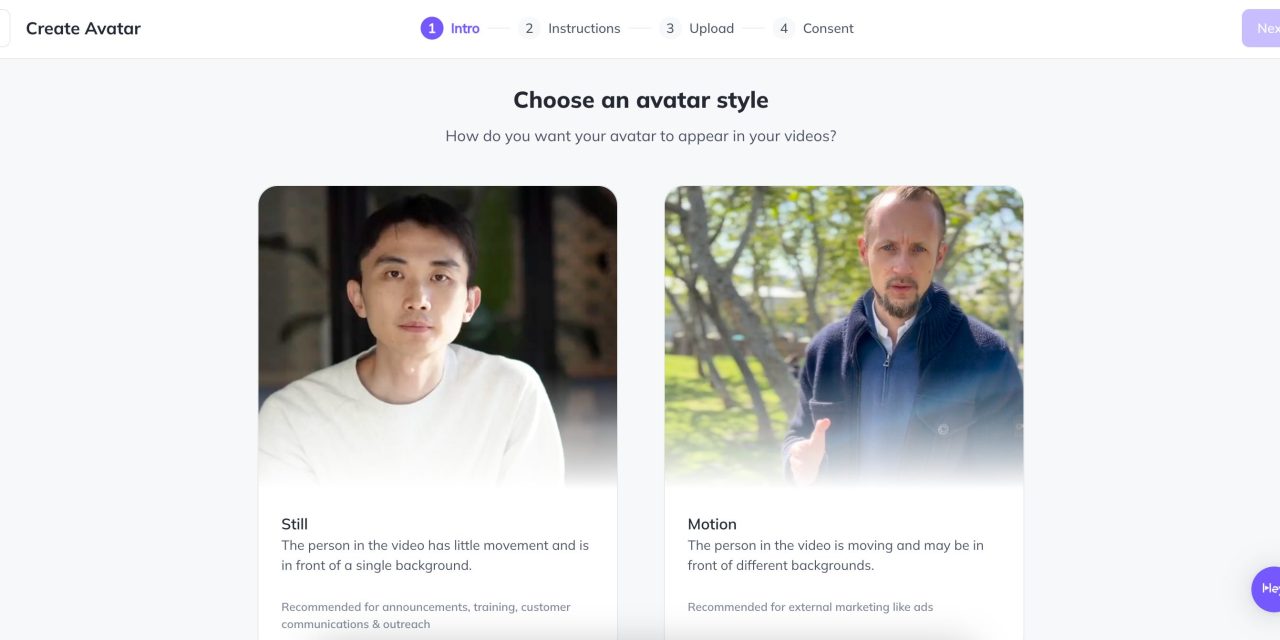
Today, we’re excited to show you how we created the video below using our very own AI avatar.
In this guide, we’ll break down every step—from preparing your footage to editing the final product—so you can craft your own digital twin for engaging content. Let’s dive in 🚀
Step 1: Prepare Your Avatar Footage & Script
A great AI avatar starts with solid planning and quality recording. Here’s how we set the stage:
Plan Your Script:
Write down a brief, authentic script that reflects how you’d naturally speak on camera. This will guide your recording and help the software to create your Avatar.
Pro Tip: Jot down key points and rehearse a few times for confidence.
Need a little help with your script? Try this ChatGPT prompt:
Prompt:"Hi ChatGPT, I need your help to create a natural, friendly script for a 45–60 second video where I introduce myself. The script should include:

A warm greeting and a brief introduction about who I am.

A bit about my background and my passions.

An explanation of what drives me in my work and why I love connecting with people.

A clear, friendly call-to-action encouraging viewers to follow my content and join the conversation. Please ensure the tone is conversational, authentic, and upbeat."
Use this prompt as a starting point, and adjust it to match your unique style.
“}]] Read More in The AI Break