Hi AI Break fam! 👋
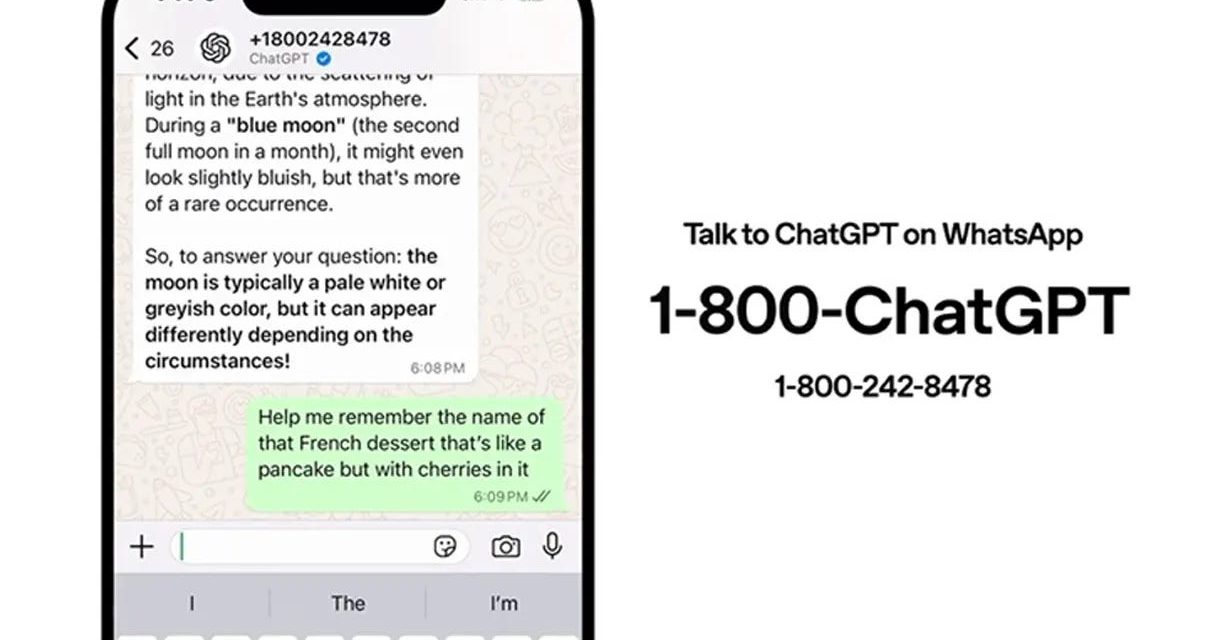
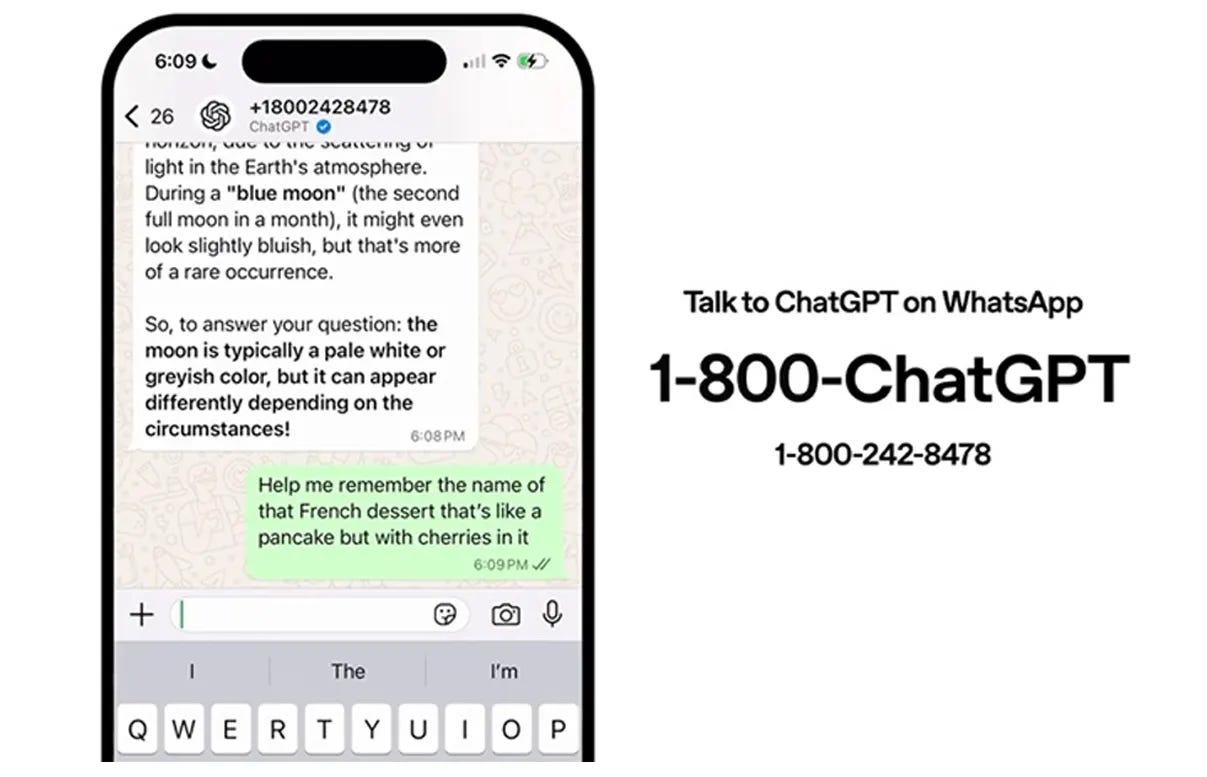
Want to have ChatGPT in your pocket? Today we’re sharing a quick but powerful hack: how to integrate ChatGPT directly into WhatsApp!
No more switching apps or opening browsers – imagine having AI assistance just a message away in your favorite chat app. This super simple setup takes less than 2 minutes and will change how you interact with AI on the go.
Let’s make your WhatsApp smarter! 🚀
Pssst…If you like these type of tutorials and want to get access to all of them every week, consider upgrading your subscription below 👇
Step-by-step tutorial
Integrating ChatGPT into your WhatsApp allows you to interact with OpenAI’s AI chatbot directly through the messaging app. Here’s how to set it up:
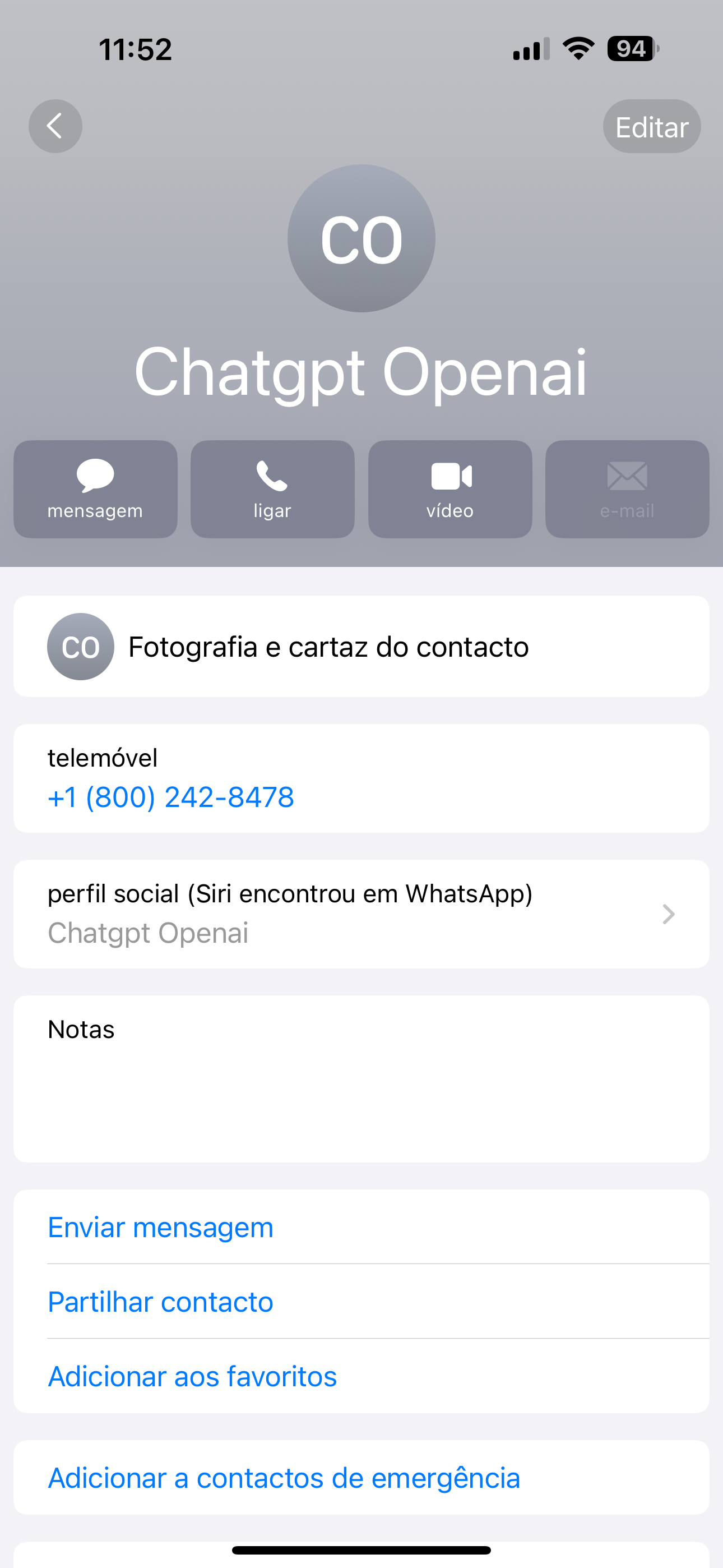
1. Save ChatGPT’s Contact Information:
• Open your phone’s contacts app.
• Add a new contact with the following details:
• Name: ChatGPT
• Phone Number: +1 (800) 242-8478
2. Start a Conversation on WhatsApp:
• Open WhatsApp.
• Refresh your contacts list to ensure the new contact appears.
• Search for “ChatGPT” in your contacts.
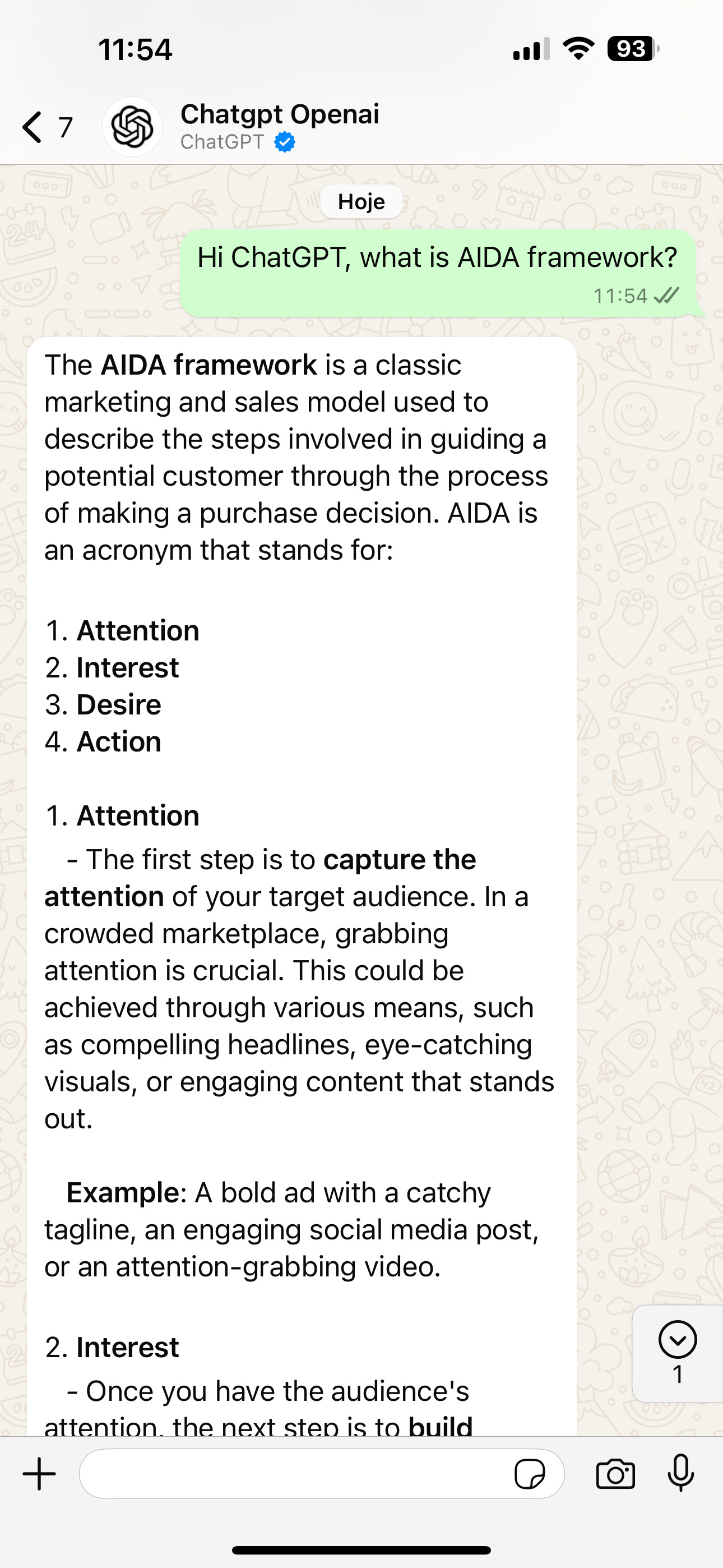
• Open the chat and type your message to begin interacting with ChatGPT.
Important Considerations:
• Text-Only Interaction: Currently, the WhatsApp integration supports only text messages. Features like image sharing, voice notes, or real-time internet searches are not available.
• Usage Limits: There may be daily message limits in place. You’ll receive a notification as you approach these limits.
• Knowledge Cutoff: ChatGPT’s knowledge is current up to October 2023. It may not be aware of events or developments that occurred after that date.
Other AI Tutorials 📝
Pssst…If you like these type of tutorials and want to get access to all of them every week, consider upgrading your subscription below 👇
That’s all for today’s quick tutorial! We hope this helps you bring the power of AI right into your daily conversations. 🙌
Remember, this is just one way to integrate AI into your workflow – we’re always testing and discovering new methods to make technology work better for us. Stay tuned for more hacks and tutorials coming your way!
Happy chatting! ✨
Luis & Rui

P.S. If you found this tutorial helpful, don’t forget to share it with friends who might benefit from having AI in their WhatsApp too! 🚀
Read More in The AI Break