[[{“value”:”
Hey AI Break fam 👋 Luis & Rui here!
Ever wish you could ping Claude and get a full Google Ads / Meta Ads report, insights and next-step recommendations without opening a single dashboard?
That’s exactly what you’ll set up today.

🎯 Goal
Leverage Claude to…
-
Pull an instant, cross-platform performance snapshot for every Google & Meta campaign in one prompt.
-
Generate AI-driven optimisation ideas – budget shifts, new keywords, creative tweaks before you open a single dashboard.
-
Run surgical deep dives on any campaign or ad set to surface wasted spend and hidden growth opportunities.
-
Extract big-picture insights (cross-channel ROAS trends, pacing issues, audience overlap) that steer weekly strategy.
-
Kick-start your workflow with ready-made prompts so you’re productive from day one
1️⃣ Prerequisites
-
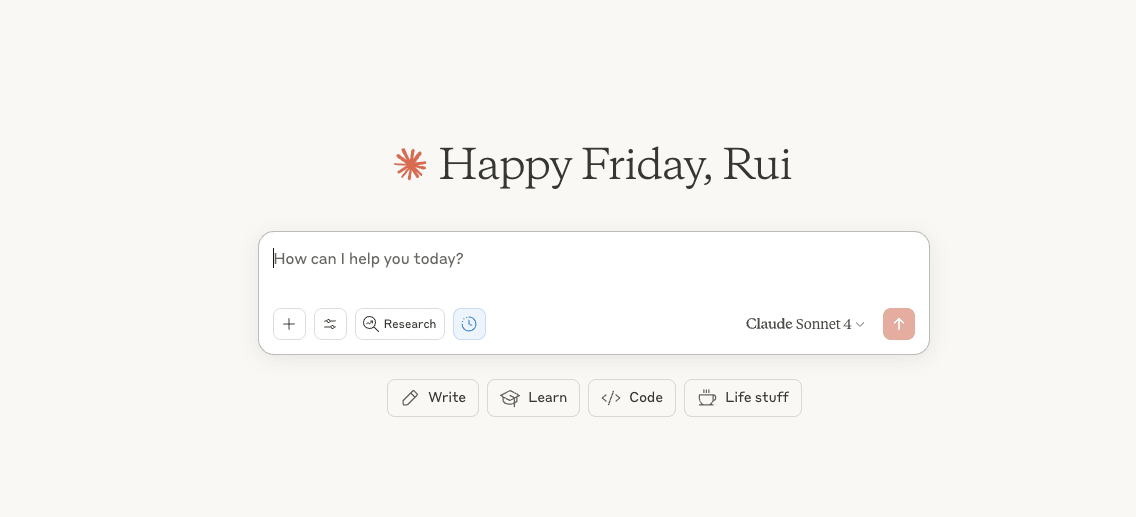
Claude Paid Plan – paid tiers only (free tier can’t add MCP connectors).
-
Adzviser – MCP server that streams Google Ads & Meta Ads data into Claude.
-
14-day trial for $0.99
-
Then $49 / month (includes 4 data sources and unlimited ad accounts).
-
You can cancel anytime
-
2️⃣ Create your Adzviser account
-
Visit adzviser.com and start the 14-day trial.
-
During onboarding, connect the ad accounts you want (Google Ads, Facebook/Instagram).
-
Leave the Adzviser tab open for the OAuth handshake in a moment.
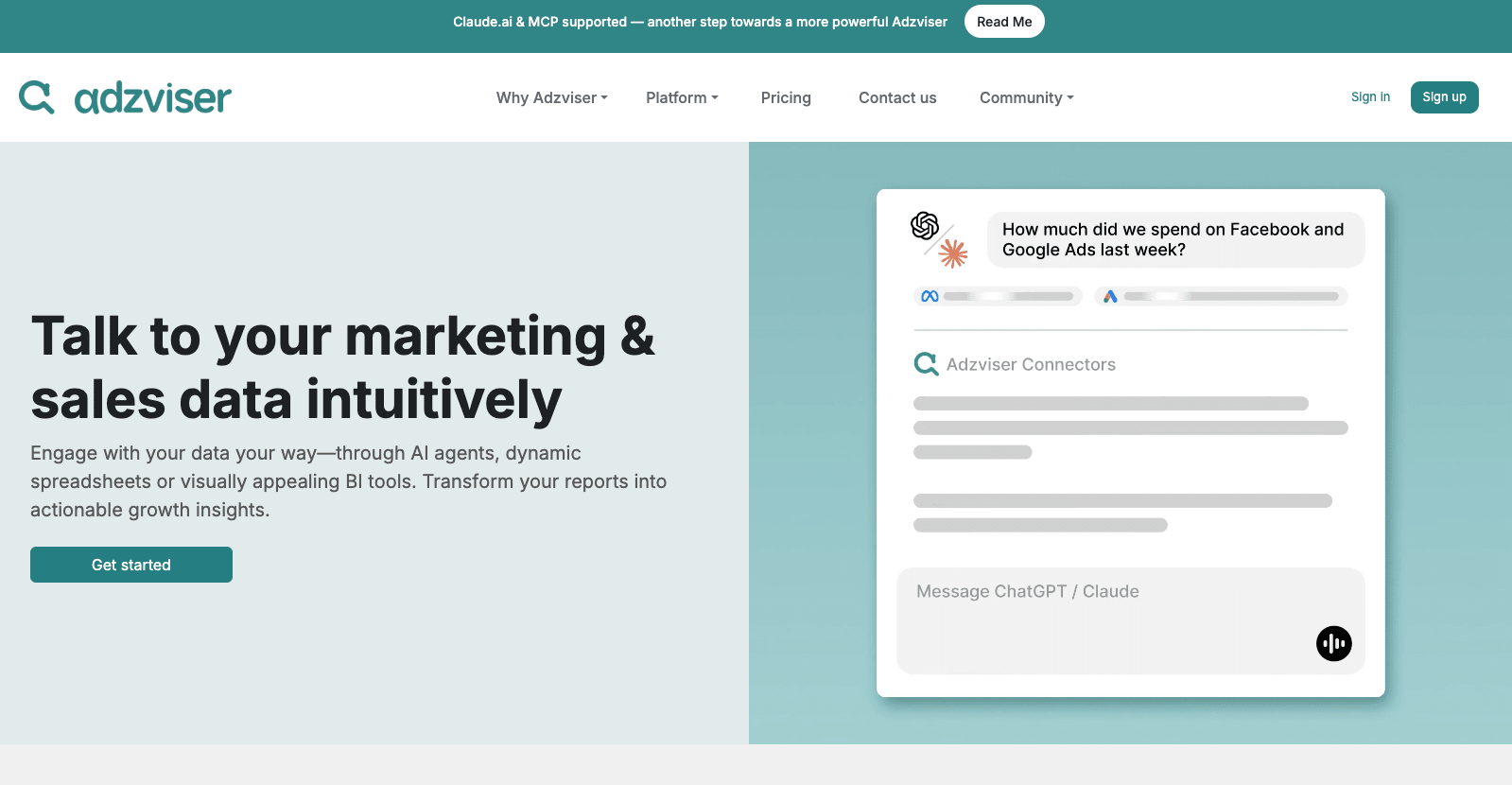
3️⃣ Add Adzviser MCP as a custom connector in Claude
-
In Claude: Settings → Integrations.
“}]] Read More in The AI Break